Pomodoro
Big ring, current phase, today's cycles and time left until the long break.
One app to shape your sound
Timer, reminders, habit streaks, equalizer, QR, wheel of fortune… 26 tools in one app. Each one is a module: turn it on, turn it off. The dashboard only shows what you actually use.
The most opened tools were rebuilt from scratch. The new color band runs through the whole app.
Big ring, current phase, today's cycles and time left until the long break.
Type the whole expression, with precedence and brackets. The result shows live. Memory and history.
The timer shows when it ends. The stopwatch gives each lap, the fastest and the slowest.
Tap to copy, long press to pin. Links, e-mails and numbers open in one tap.
Optional ads (Google AdMob) and the Speed test (Cloudflare) go through those services, only when you start them. Details in the privacy policy.
The Google Play screenshots, in dark theme. Scroll the strip, then watch the trailer.
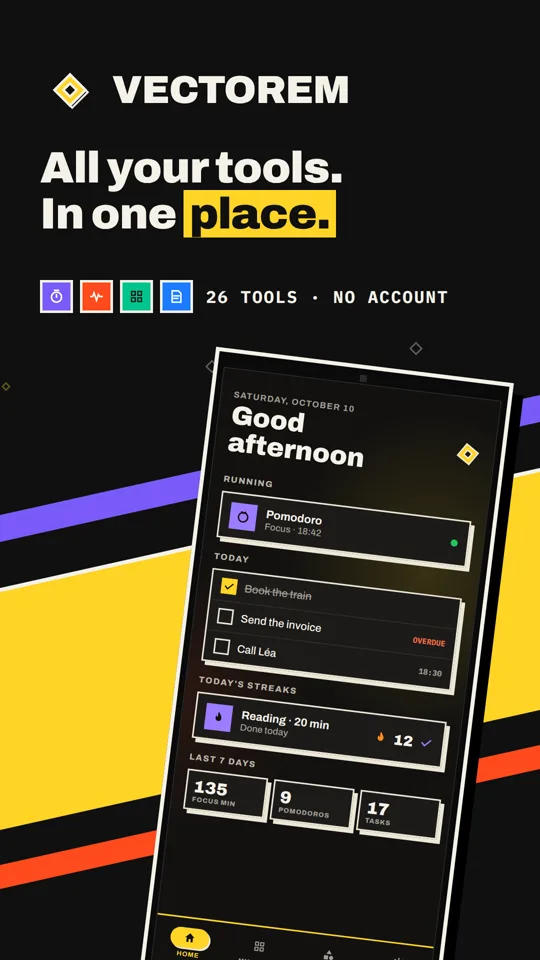
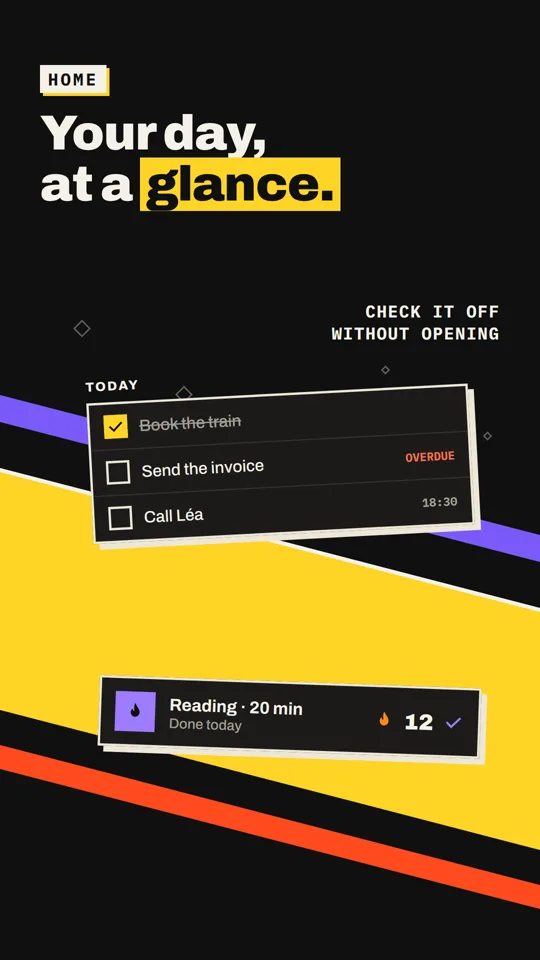
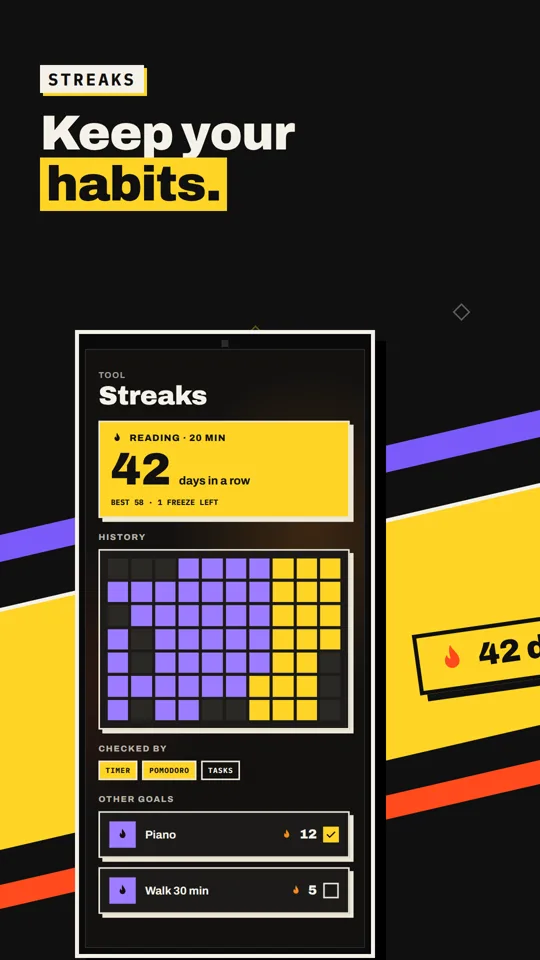
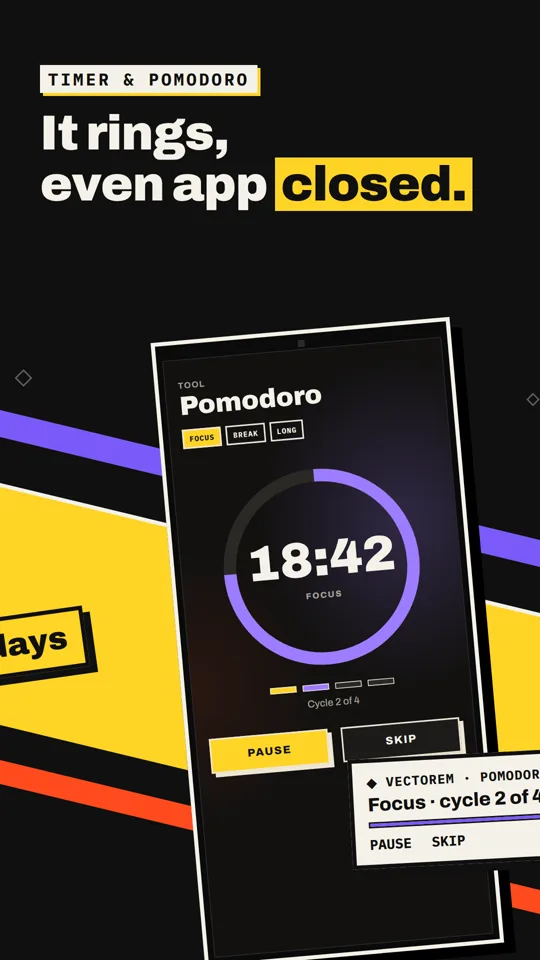
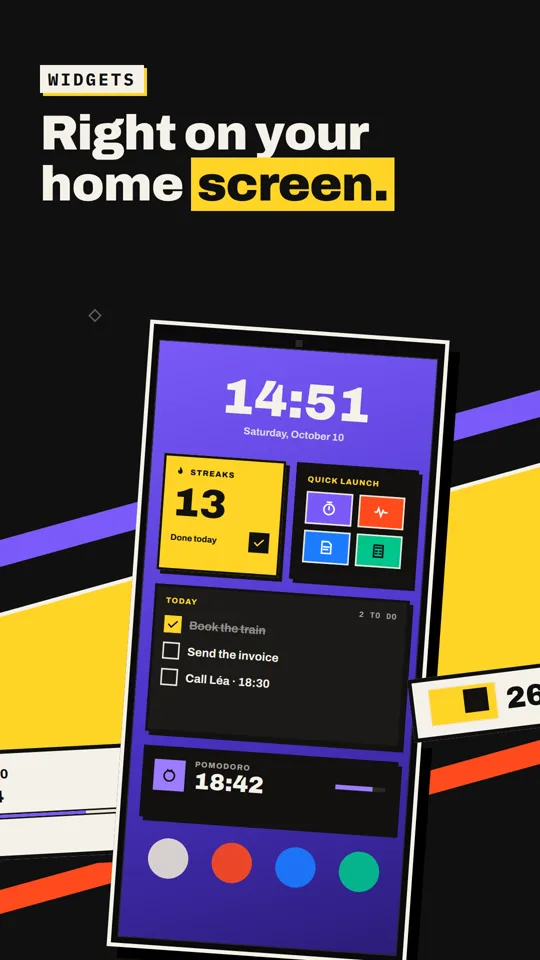
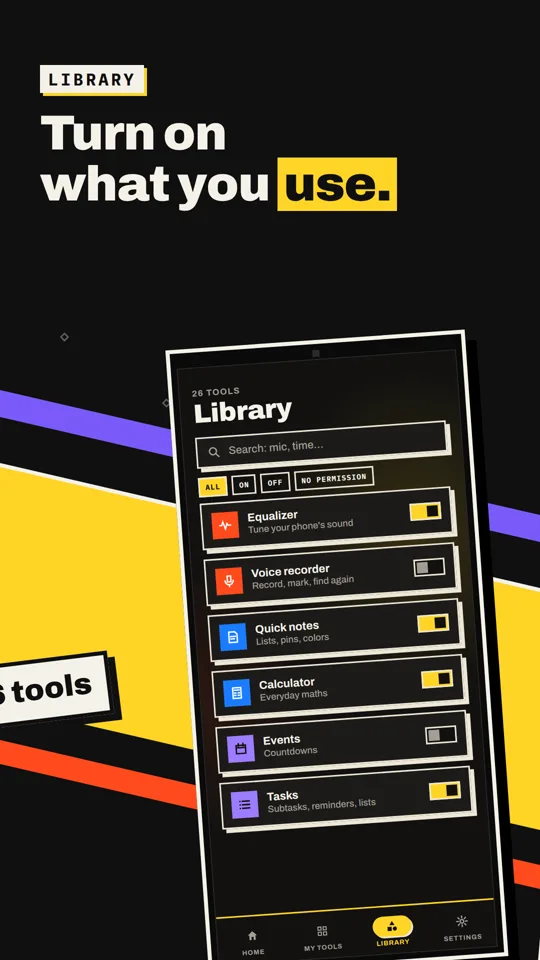
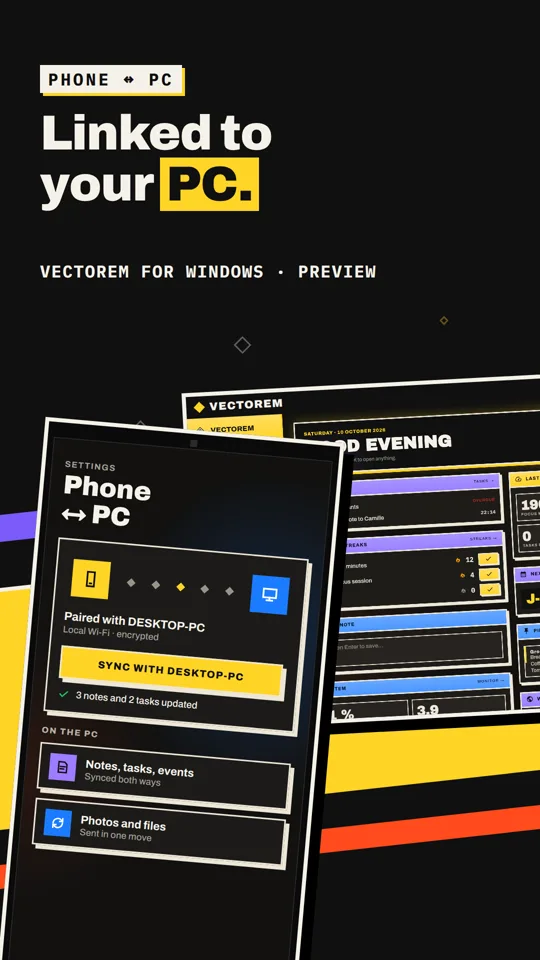
The same idea on your PC: turn on what you use, no account, and your data stays on the computer. 46 tools in all: 22 from the phone, 24 built for the desktop.
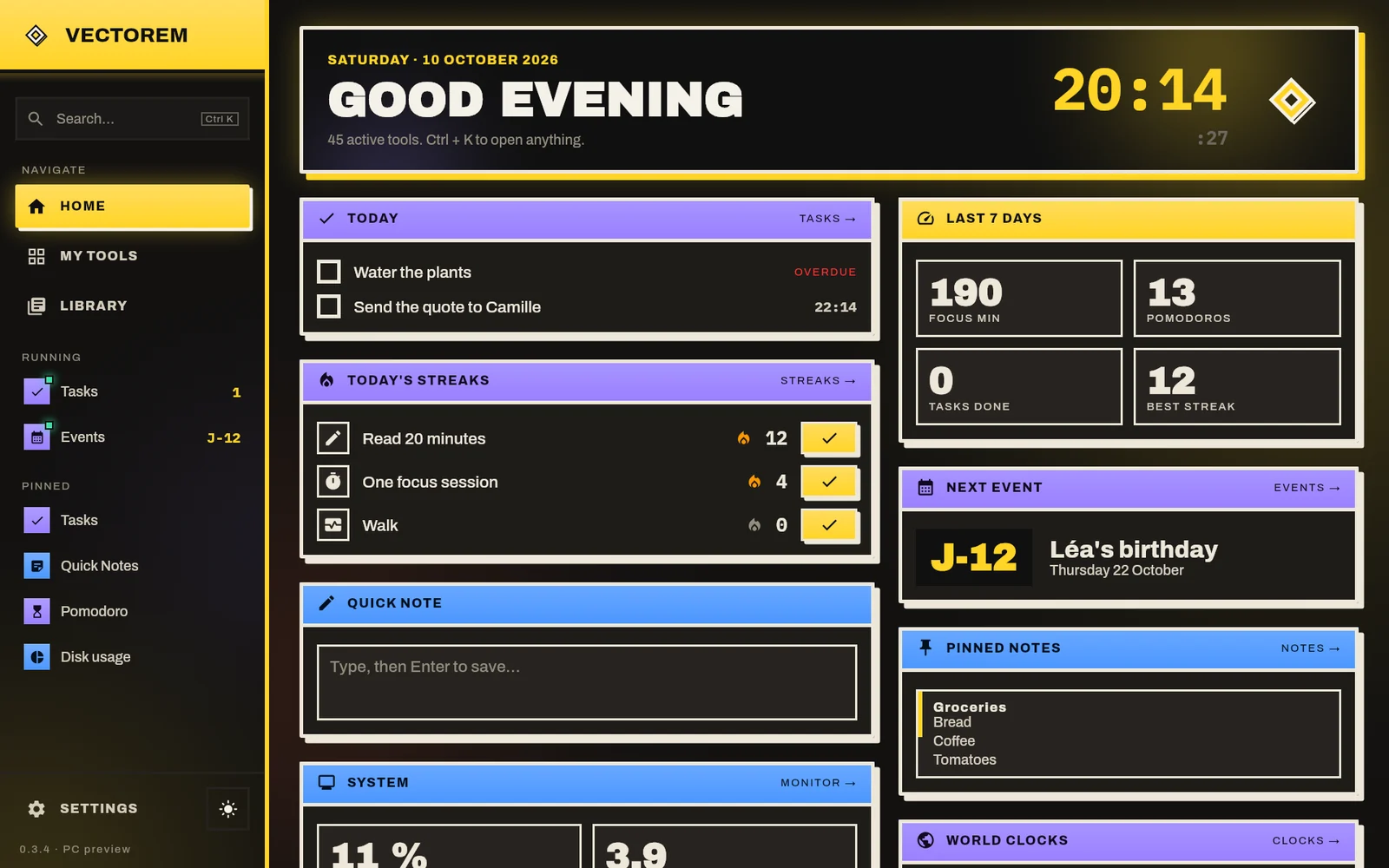
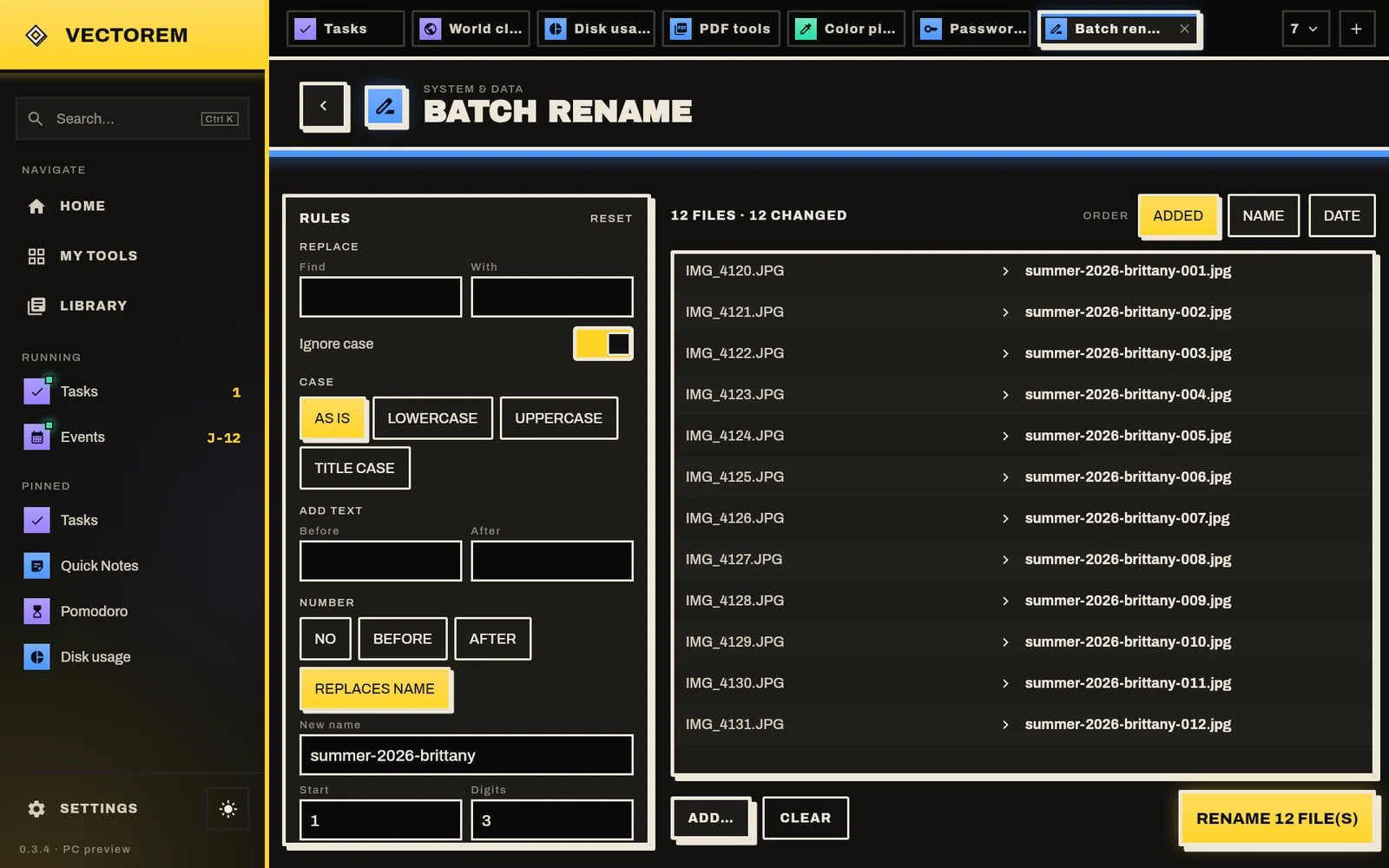
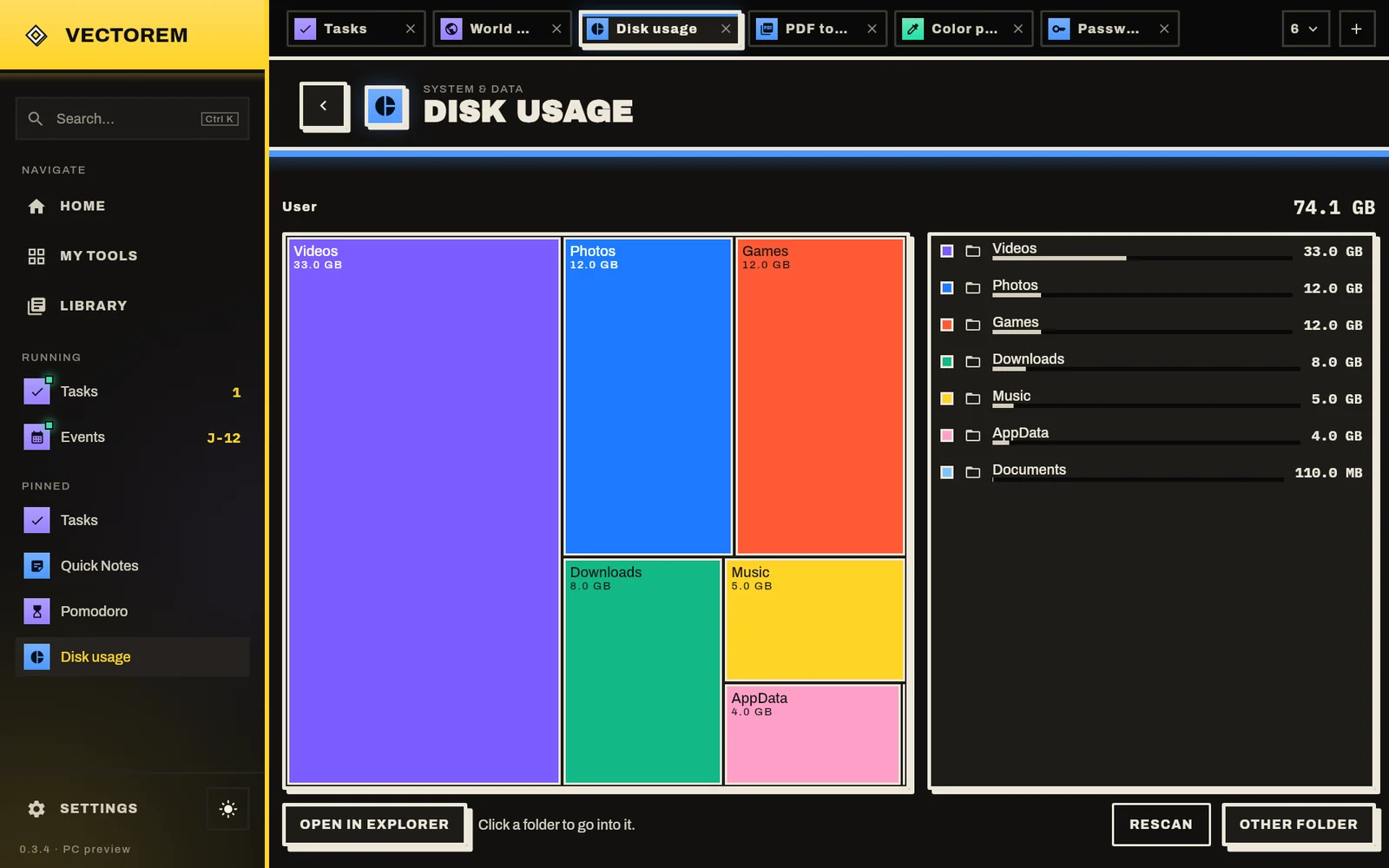
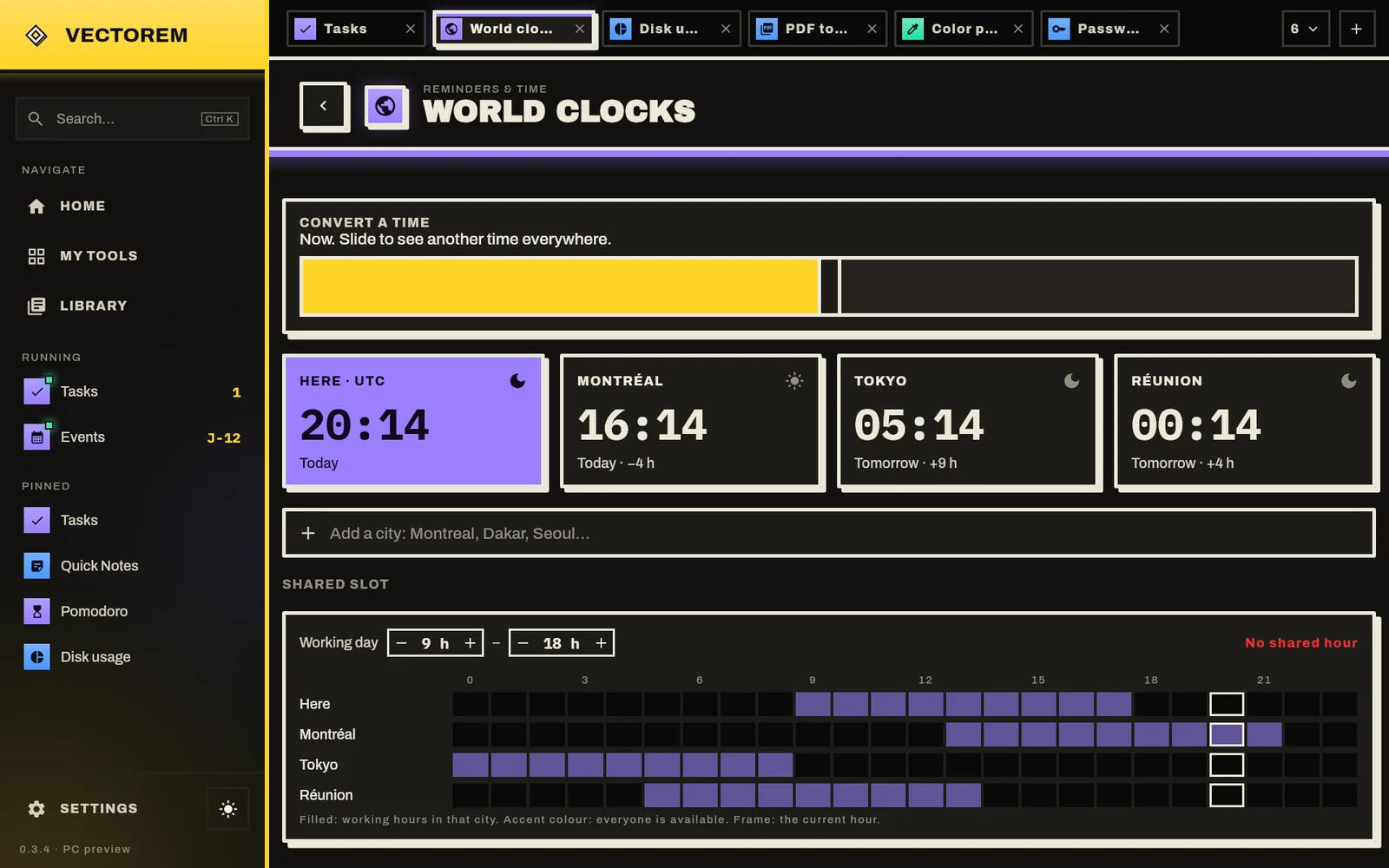
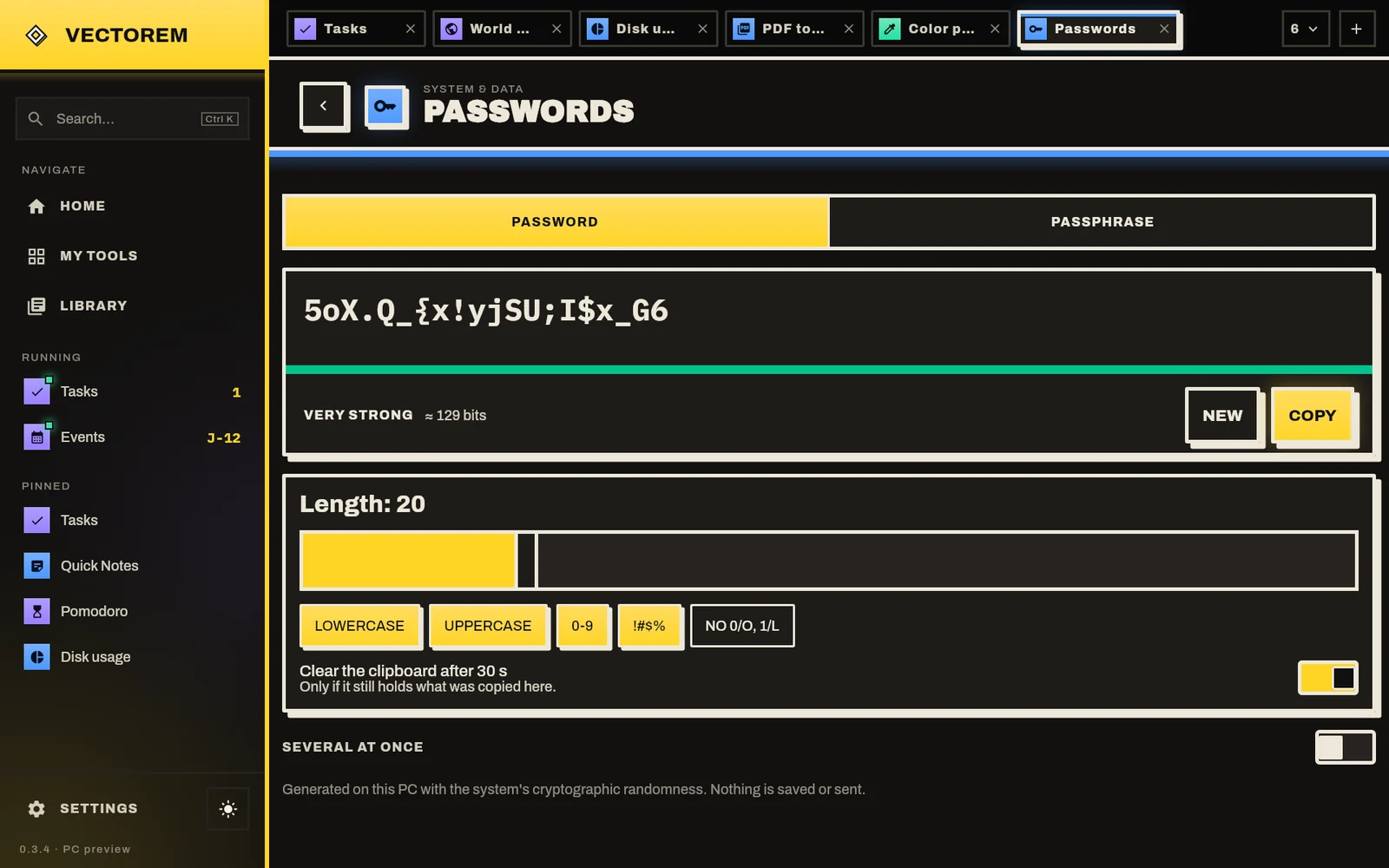
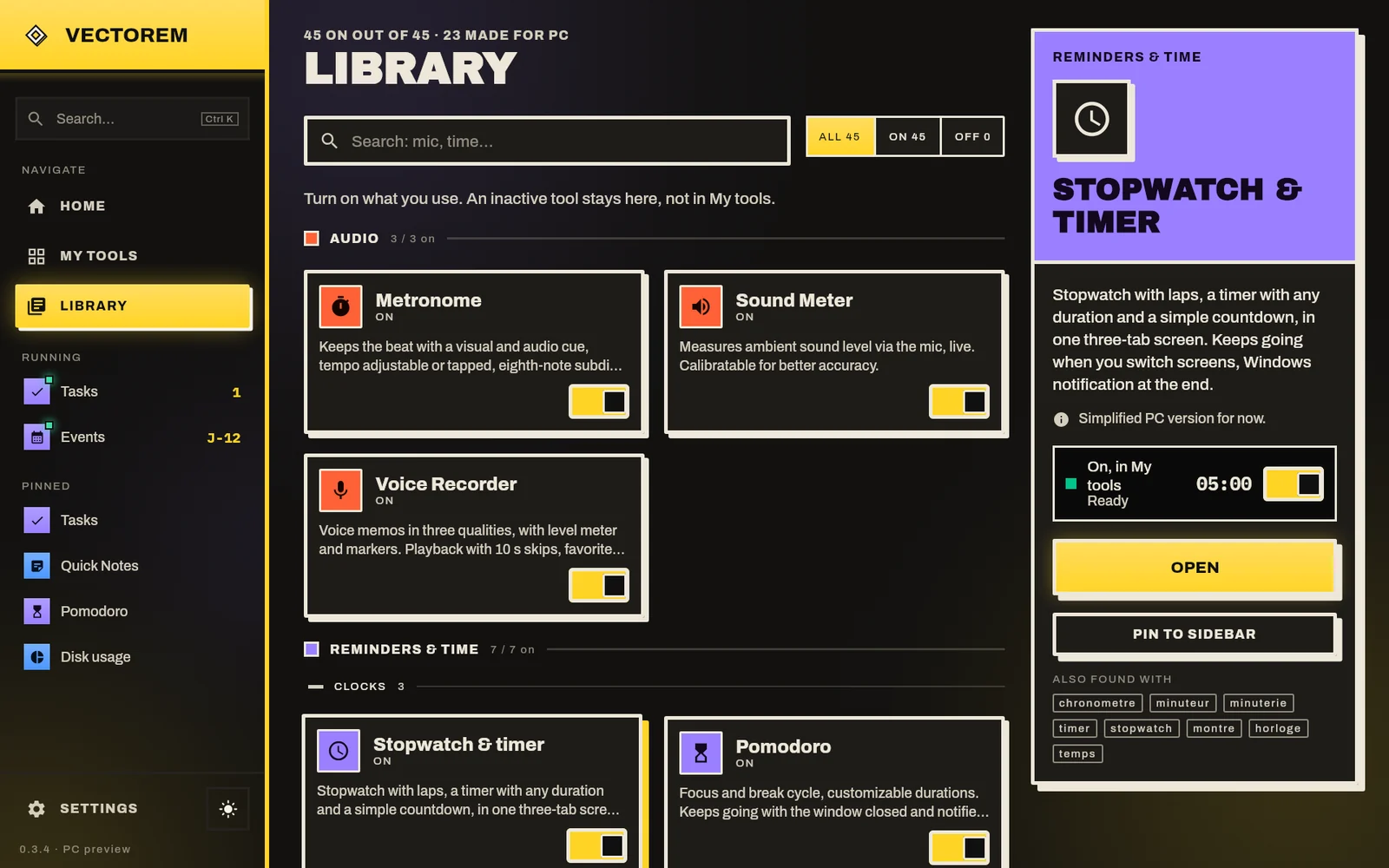
A home screen in tiles: today's tasks, streaks, next event, quick note.
Several tools open side by side, like in a browser. Ctrl + K to find anything.
Colour picker, ruler or quick note from any app. Keys can be changed.
Ctrl+Alt+P Ctrl+Alt+N Ctrl+Alt+R
Timer and Pomodoro progress shows on the icon. Closing the window doesn't stop a countdown.
Swap your notes, tasks and streaks between phone and PC by scanning a QR code. Over your Wi-Fi, encrypted, no account.
These demos work right here, in your browser. In the app, they go further.
Drag the bars with your finger or mouse.
In the app: yearly events (birthdays) and a notification on the day.
Streaks tracks your daily goals: exercise, reading, an instrument. Link a goal to the timer, Pomodoro or your tasks, and the day checks itself off.
A permission card only shows up when you turn the tool on. Try the three examples below.
Each request explains the concrete use — “sound is measured live”, not “allow to enjoy all features”.
No silent capture. What the tool doesn't need is never asked for.
Only that tool stays off: the rest of the app keeps working.
No account, no Vectorem server: your notes, tasks and streaks don't leave the phone. Everything is detailed in the privacy policy.
Theme, brand colour and layout are set in the app. Here, everything reacts live.
Changes the buttons, logo and accents of this page, like in the app.
Sort by category, by use or A to Z. Long-press a tool to pin it or place it as a widget.
Move up, move down, hide: try the home builder.
Filter, search, tap a card to learn more. Every tool is in the app's Library, as a grid or a list.
A few advanced features unlock with a short video, only if you choose to play it.