All your tools.
In one place.
Timer, tasks, reminders, habit streaks, notes, QR, equalizer… 26 tools in one app. Turn on the ones you need, the rest stay in the Library. No account, and your data stays on your phone.
Version 1.3, available to everyone. Updates come regularly, and your feedback counts.
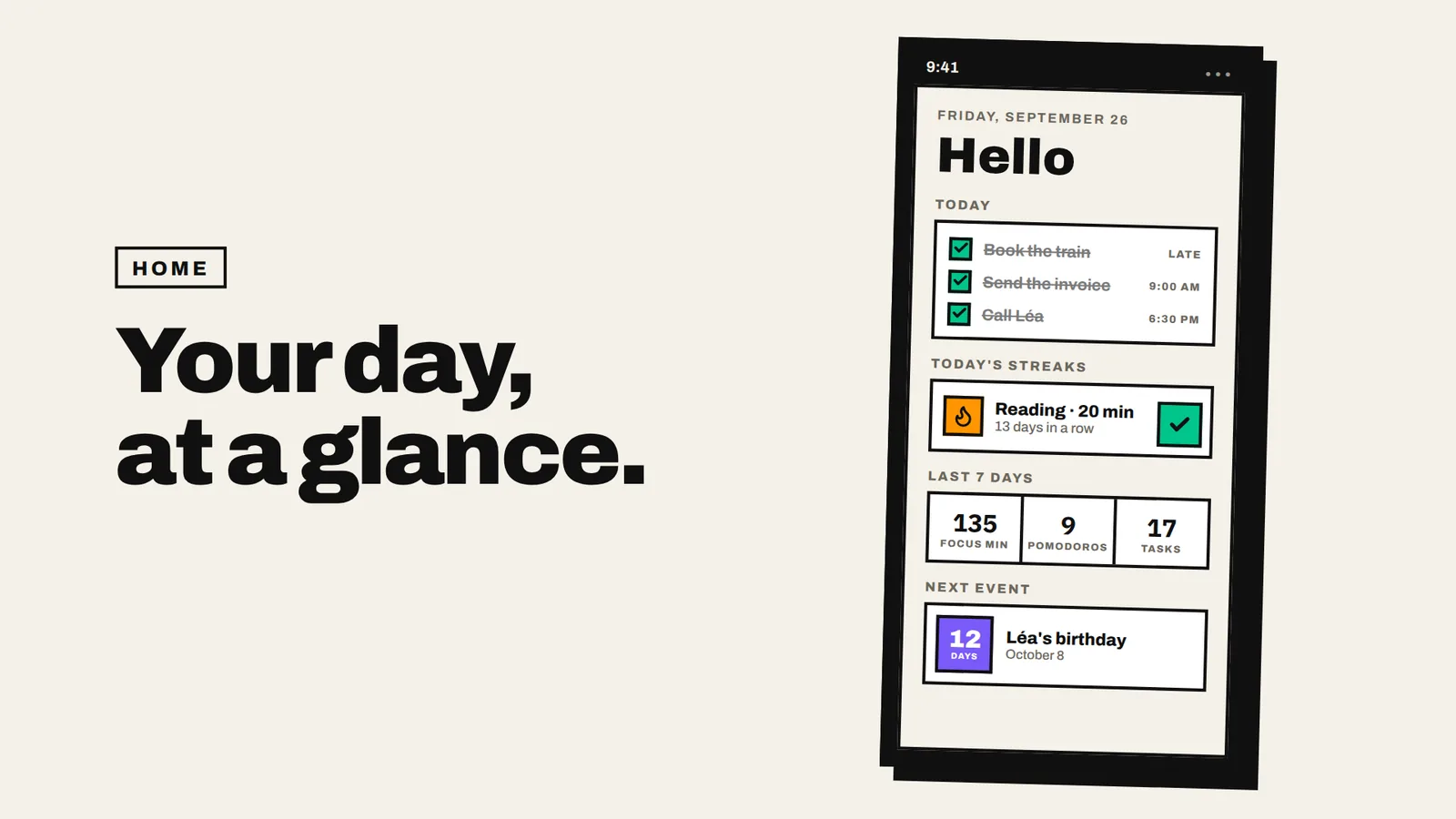
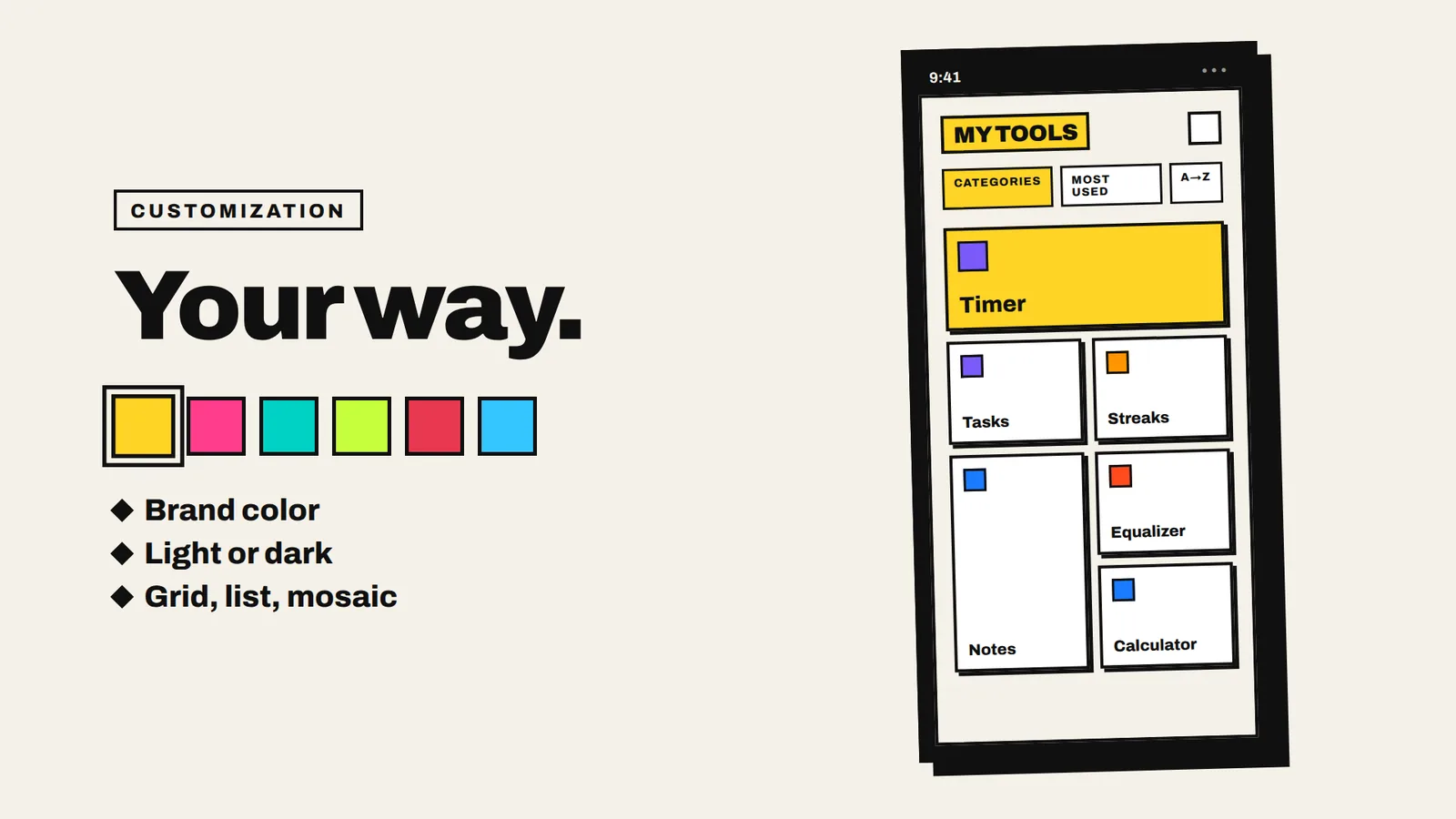
Your day at a glance: today's tasks, streaks, stats, next event.
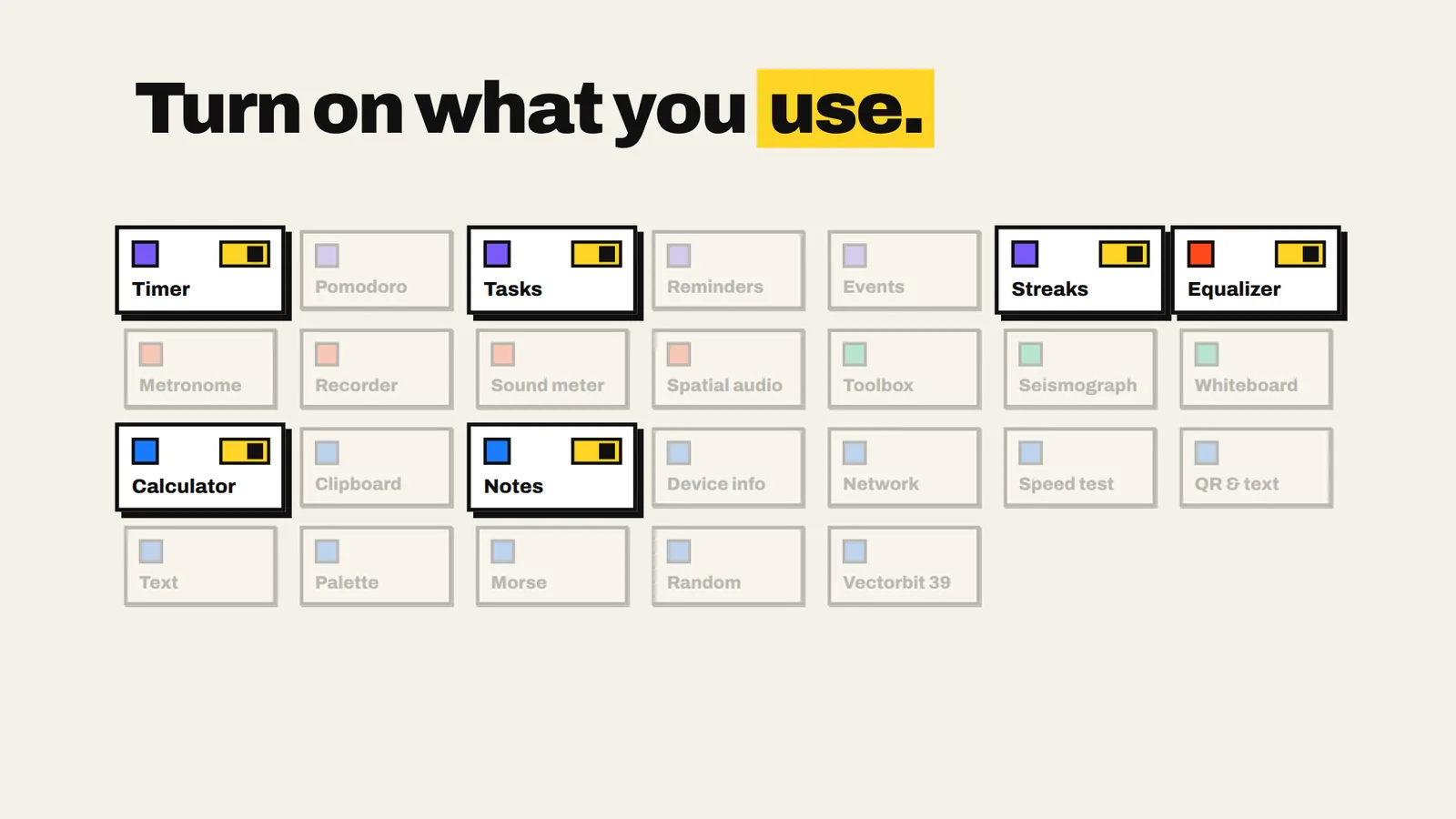
Turn on what you use
Every tool is a module. Your dashboard only shows yours.
Three screens to start
At first launch, you say what you often do. Vectorem turns on the right tools and sets up your home.
A home of your own
Today's tasks, streaks, pinned notes, next event, weekly stats. Hide and reorder as you like.
Guided, not pushy
A bubble on your first visit to each screen, and a “?” in every tool to see how it works again.
On your home screen
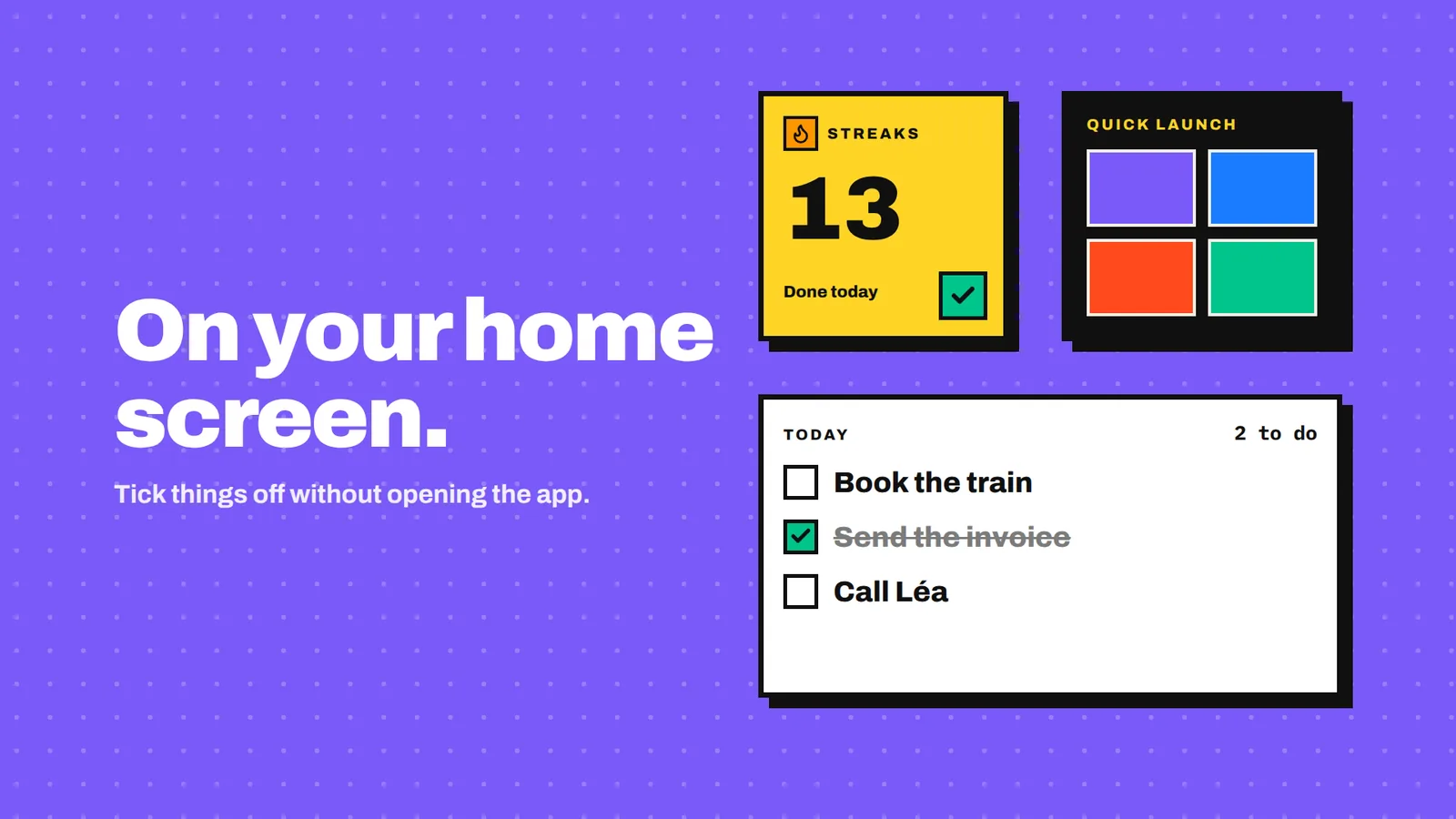
Streaks, Today, Live tool and Quick launch widgets. Tick things off without opening the app.
What's inside
Tags show the permission asked, and only when you open the tool.
Time & reminders 6
Stopwatch & timer
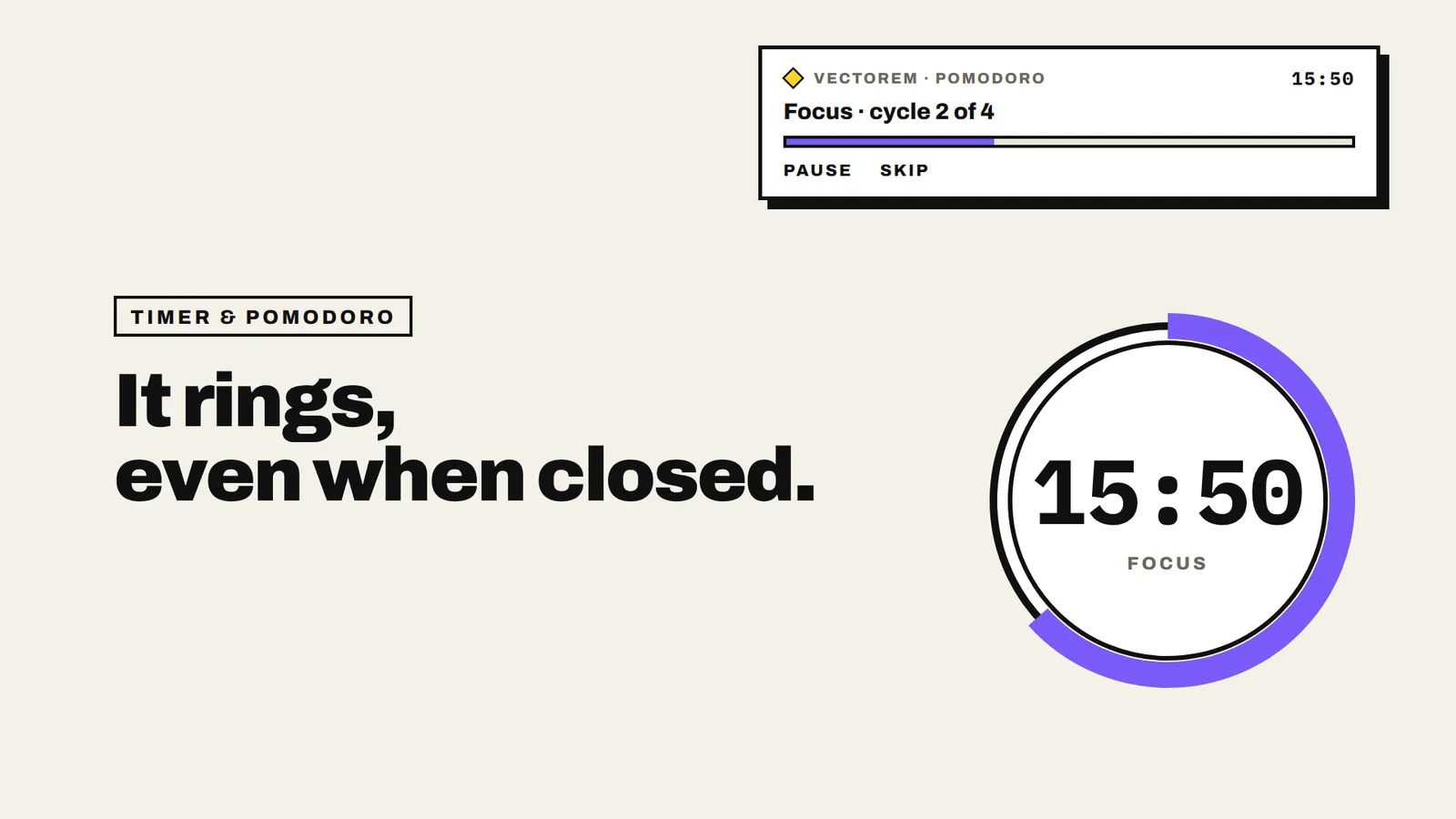
Stopwatch with each lap's time, the fastest and the slowest. Timer that shows when it ends. Rings even when the app is closed.
Pomodoro
Big ring, focus and break phases, today's cycles. Custom durations. A notification at each phase change.
Reminders
At a set or custom time, with optional daily repeat. Rescheduled automatically after the phone restarts.
Tasks
Priority and optional due date, sorted by urgency automatically. No account. A notification when due, only for dated tasks.
Streaks
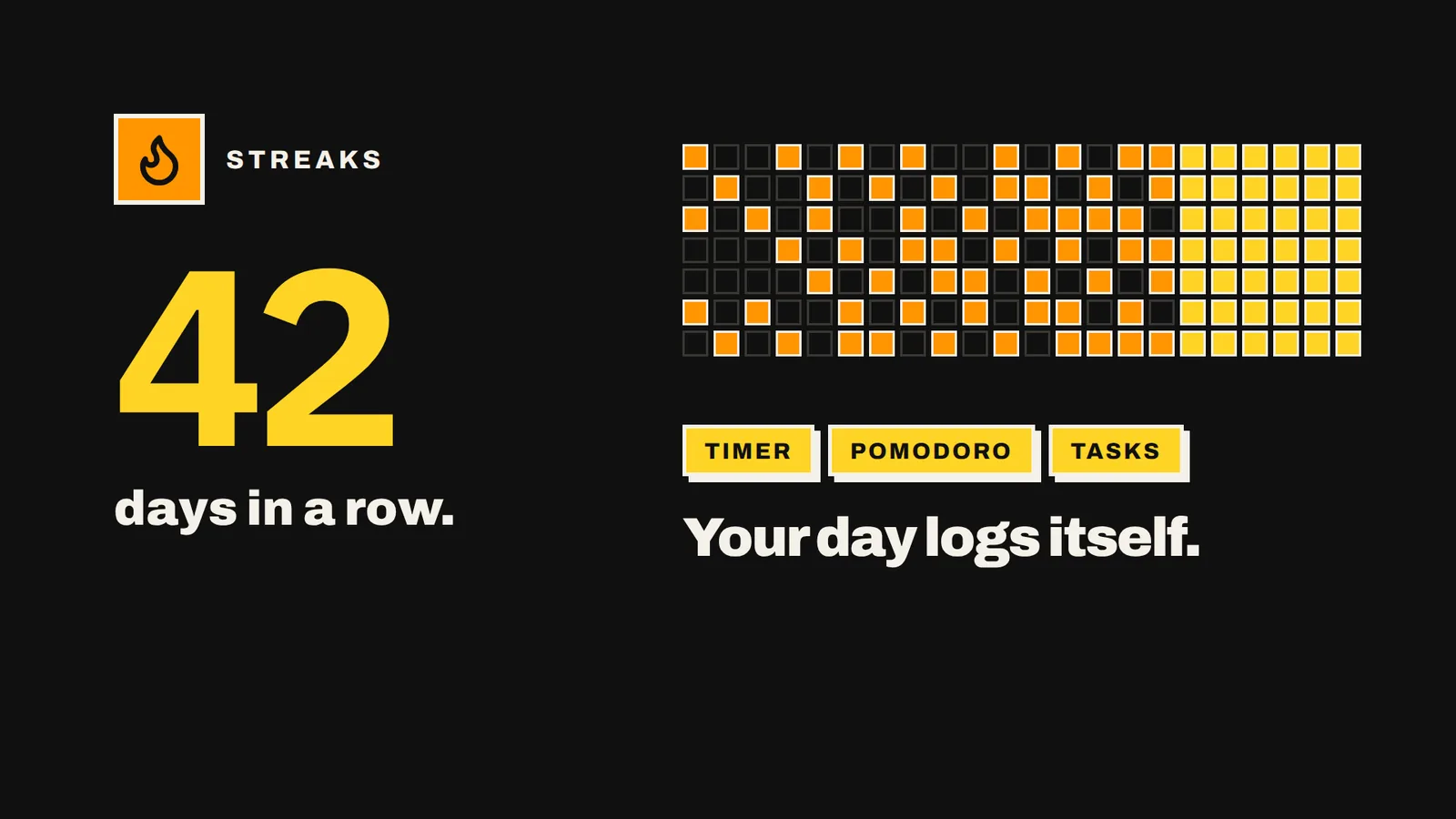
Keep a habit every day. A goal can check itself off through the timer, Pomodoro or your tasks. A plain-language weekly report, and a widget to check off the day without opening the app.
Events
An always up-to-date “D-N” to an upcoming date, with optional yearly repeat. Great for birthdays: the date recalculates every year.
System & data 12
Calculator
Full expressions with precedence and brackets, live result, memory and history. Works offline.
Text toolbox
Base64, MD5/SHA hashes, JSON formatting and unit conversion. Everything is computed on the device.
QR & text
Scan a code, make your own, or pull the text out of a photo. No photo taken or sent: the image is read live.
Clipboard
History of what you copy. Tap to copy, long press to pin, links and numbers recognized. Keeps what you copy while the app is open.
Quick notes
Capture an idea in seconds: plain text, everything stays on the phone. Can also be added from the home screen.
Palette
Pull the main colours out of a photo, then export them as an image. Number of colours, HEX/RGB format and layout are adjustable.
Randomizer
Dice up to d100, coin flip, numbers, lists, wheel of fortune and teams. Draw history included.
Morse
Turns text into Morse, as sound or flashes, and decodes detected flashes or beeps. Permissions are only asked for detection.
Device info
RAM, storage, battery, screen, processor, network — your phone's technical details. Read-only.
Network scanner
Local IP, gateway, nearby Wi-Fi and Bluetooth devices, open ports. Only probes your local network.
Speed test
Download, upload and latency, with results kept locally. Your results stay available in the history.
Vectorbit 39
Encode a message with a time-based key and a shared secret, for a friend to decode. A code for fun, not for protecting sensitive data.
Audio 5
Equalizer
5 adjustable bands, presets, your own settings and a Sound Boost. Works on the phone's overall sound, through the system effect. No microphone permission.
Voice recorder
Record, rename and replay voice memos. Recordings stay on your phone.
Metronome
Visual and audio beat, tempo set or tapped, eighth-note subdivisions. No permission.
Spatial sound
Stereo width, balance, reverb and bass. Best heard with headphones.
Sound meter
Measures ambient sound level live, with calibration for better accuracy. Measured only while the screen is open, nothing is recorded.
Screen & sensors 3
Toolbox
Spirit level, flashlight, magnifier, compass, light meter, barometer and metal detector. The camera is only used by the magnifier: nothing is photographed.
Seismograph
Detects vibrations and small bumps with the accelerometer, live trace and shake log. Uses motion sensors, with no permission at all.
Whiteboard
A free drawing pad: draw, annotate and export, no account or cloud. Export your drawing as an image.
Your data stays with you
No account
Nothing to sign up for: no e-mail, no password.
On your phone
Notes, tasks, streaks and recordings are stored on the device. You can export them to a backup file.
Permission per tool
Microphone, camera or notifications are asked by the tool that needs them. Saying no only blocks that tool.
No forced ads
Optional videos unlock some tools. You choose whether to watch them.
Two features go through an outside service, only when you start them: the Speed test (Cloudflare) and optional videos (Google AdMob). Privacy policy
Your phone and PC talk to each other
Pair Vectorem for Windows by scanning a QR code: notes, tasks and streaks in sync, photos sent to the PC, a remote. Over your Wi-Fi, encrypted, no account.
Good to know
Do I need an account?
No. Install, pick your tools, that's it.
Which Android version?
Android 8.0 or later.
What if I change phones?
Settings › Data & security: export a backup to a file, then import it on the new phone.
Are there ads?
No ad is forced on you. Optional videos unlock some tools, only if you choose to watch them.
“And it's only the beta”?
Vectorem is available to everyone, and it's only the start: more tools are coming. An idea, a bug? Write to support@vectorem.app, every message is read.
Do I need the PC version?
No, the Android app works on its own. The PC adds sync, file sending and a remote.